

Make Review:
Is It Worth It in 2026?
Make is best suited for architecture, construction, furniture, and real estate businesses that want to visually build multi-step automations connecting their existing tools — CRM, email, spreadsheets, forms — without writing code.
We may earn a commission when you purchase through links on our site. Learn more
Best For
Our Overall Rating
Based on comprehensive testing
Best For
- Real estate teams automating lead routing from forms into a CRM
- Construction companies connecting project management tools to reporting spreadsheets
- Furniture retailers syncing orders between an online store and inventory systems
- Architecture firms automating repetitive data movement between project tools
Pricing
See current pricing on the Make website.
Bottom Line
Make is best suited for architecture, construction, furniture, and real estate businesses that want to visually build multi-step automations connecting their existing tools — CRM, email, spreadsheets, forms — without writing code.
Visit Make →What Is Make?
Overview
Make is a visual, no-code automation platform that lets users build multi-step workflows — called scenarios — connecting different apps and services without writing code. Rather than the simple, linear "if this then that" automations common in basic tools, Make's node-based canvas supports branching logic, filtering, and error handling, making it capable of genuinely complex automation.
For architecture, construction, furniture, and real estate businesses running multiple disconnected tools — a CRM, a spreadsheet, an email platform, a project management app — Make provides a way to connect them without custom development, automating the manual data entry and copying that often happens between systems.
This review evaluates Make based on its scenario builder, integration breadth, and practical fit for businesses automating multi-step workflows heading into 2026.
Key Features
Visual Scenario Builder
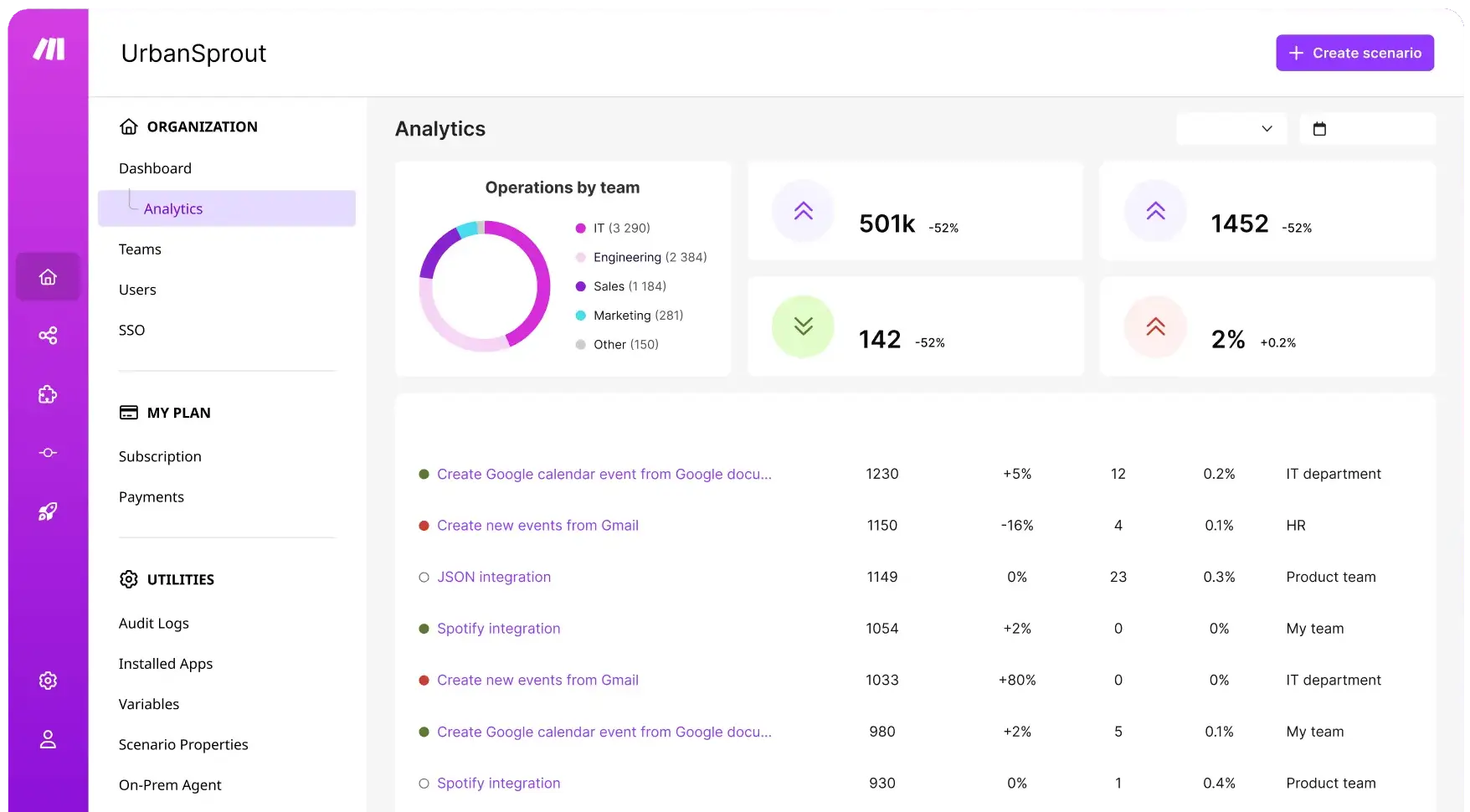
Make's canvas lets users build automations by connecting modules visually, making even fairly complex, multi-step workflows easier to understand and maintain than a list of disconnected rules.
Branching & Conditional Logic
Beyond simple linear automation, Make supports branching paths, filters, and conditional logic, letting a single scenario handle different outcomes based on the specific data passing through it.
Broad App Integration Library
The platform connects to thousands of apps and services, from CRMs and spreadsheets to messaging tools and project management platforms, covering most of the software a typical business already uses.
Error Handling & Scenario Monitoring
Make includes built-in error handling and execution history, letting users see exactly what happened during each automation run and troubleshoot failures without guesswork.
Pros & Cons
Pros
- ✅ Visual, node-based scenario builder makes complex automations easier to follow
- ✅ Supports branching, filtering, and error handling beyond simple linear automations
- ✅ Connects to thousands of apps, from CRMs to spreadsheets to messaging tools
- ✅ Generous free tier makes it practical to start without committing to a paid plan
Cons
- ❌ Visual complexity can grow quickly for genuinely multi-branch automations
- ❌ Some advanced features and higher execution volume require a paid plan
- ❌ Initial setup of a non-trivial scenario takes real time to plan and build
- ❌ Troubleshooting failed automation runs requires reading the scenario logic carefully
Who Is It Best For?
Make is the right tool if you:
- Use multiple disconnected tools and want to automate data movement between them
- Need more than simple linear automation — branching, filtering, conditional logic
- Want a visual way to design and audit automations rather than a hidden rules engine
- Are comfortable investing setup time for a workflow that will save time repeatedly
Make is not the right tool if you:
- Only need the simplest, single-step automations between two apps
- Want zero setup time and are unwilling to learn the scenario builder
- Need an autonomous AI agent that interprets intent rather than a defined workflow engine
Alternatives to Consider
Make is strong for visual, multi-step workflow automation, but it is not the only option:
- Dynamiq — better for building custom AI agents rather than app-to-app automation
- Autonoly — more AI-agent-driven, letting users describe workflows in plain English
- Zapier — simpler for basic, linear automations with a larger beginner-friendly template library
- MindStudio — relevant if your need is building an AI agent rather than connecting business apps
- OpenClaw — open-source autonomous agent rather than a defined, visual workflow builder
Final Verdict
Make earns its place for businesses with genuinely complex automation needs — multiple branches, conditions, and apps — that a simpler linear tool can't handle well. The visual scenario builder strikes a good balance between power and comprehensibility, letting non-developers build and maintain real automation logic.
The tradeoff is setup time: a well-built Make scenario pays off over time, but it isn't a five-minute task for anything beyond the simplest workflows.
Our recommendation: Map out your most repetitive, multi-step manual process on paper first, then build it as a Make scenario — starting with a real, well-understood workflow makes the learning curve much more manageable.
Key Features
Visual, node-based scenario builder makes complex automations easier to follow
Supports branching, filtering, and error handling beyond simple linear automations
Connects to thousands of apps, from CRMs to spreadsheets to messaging tools
Generous free tier makes it practical to start without committing to a paid plan
Best For
Real estate teams automating lead routing from forms into a CRM
Construction companies connecting project management tools to reporting spreadsheets
Furniture retailers syncing orders between an online store and inventory systems
Architecture firms automating repetitive data movement between project tools
Pros & Cons
What We Like
- Visual, node-based scenario builder makes complex automations easier to follow
- Supports branching, filtering, and error handling beyond simple linear automations
- Connects to thousands of apps, from CRMs to spreadsheets to messaging tools
- Generous free tier makes it practical to start without committing to a paid plan
What We Don't Like
- Visual complexity can grow quickly for genuinely multi-branch automations
- Some advanced features and higher execution volume require a paid plan
- Initial setup of a non-trivial scenario takes real time to plan and build
- Troubleshooting failed automation runs requires reading the scenario logic carefully
Top Make Alternatives
View all alternatives →


Make vs Top Alternatives
| Tool | Best For | Price | AI Quality | Features | Support | Ease of Use | Rating | |
|---|---|---|---|---|---|---|---|---|
 | Real estate teams automating lead routing from forms into a CRM | Contact for pricing | 9/10 | Current | ||||
 | Cross-niche | Contact for pricing | 8.5/10 | Read Review → | ||||
 | Cross-niche | Contact for pricing | 8.2/10 | Read Review → | ||||
Z Zapier | Cross-niche | Contact for pricing | 7.9/10 | Read Review → | ||||
 | Cross-niche | Contact for pricing | 7.6/10 | Read Review → |
Our Make Verdict
Make is best suited for architecture, construction, furniture, and real estate businesses that want to visually build multi-step automations connecting their existing tools — CRM, email, spreadsheets, forms — without writing code.
Visit website for full details
Related Articles
View all articles →Best AI Tools for Cross-niche in 2026
Discover the top AI tools transforming the Cross-niche industry.
Read Guide →Make vs Top Alternatives: Full Comparison
Side-by-side breakdown of Make and its main competitors.
View Comparison →How to Use Make to Save Time in Cross-niche
Step-by-step guide for getting the most out of Make.
Read More →